Why reviews decide who books a new-patient visit
Choosing a dentist is a trust decision made by strangers. In a survey of 1,099 Americans, 8 in 10 said online reviews are their first step when looking for a new dentist, and Google was where 85% of them read those reviews. Half would only consider a practice with at least 10 reviews.
Bad news travels with the good. 95% said a negative review makes them think twice about a dentist, and 80% want the practice to reply to it. Across the practices Dentaly looked at, only 35% did.
Show the data
| Share of respondents | |
|---|---|
| Read Google reviews of dentists | 85% |
| Start the search for a new dentist with reviews | 80% |
| Want dentists to reply to negative reviews | 80% |
| Only consider a dentist with 10+ reviews | 52% |
| Have left a review for a dental practice | 36% |
Source: Dentaly, Online reviews and choosing a dentist (survey of 1,099 Americans, October 2023)
| Finding | Effect | Study |
|---|---|---|
| Rating goes up by 0.1 star | +25% conversion | Uberall, 64,000 locations (2019) |
| Won't consider a business under 4.0 stars | 68% of consumers | BrightLocal, 2026 |
| Customers who were asked for a review and wrote one | 83% | BrightLocal, 2026 |
Source: BrightLocal Local Consumer Review Survey 2026 and Uberall
When to ask during a dental visit
Ask when the visit is over and still fresh: at checkout, or the same day. A routine cleaning or check-up is the easiest moment, because most patients leave content and nothing hurts. The other good moment is the end of a longer treatment, when the patient sees the result.
Don't ask in the chair, while the patient is still numb, or in the middle of a billing question. And don't hand them a tablet in the waiting room: Google's rules now ban pressing customers to review on your premises, and many reviews from one shared device look like spam to its filters.
| Moment | How to ask | Why it works |
|---|---|---|
| At checkout after a cleaning or check-up | QR card at the front desk | The visit just ended well; the patient scans on their own phone, later if they like |
| 2–3 hours after the visit | Text or email with a one-tap rating | The numbness is gone, the patient is home, the visit is still fresh |
| When a treatment is finished (crown, aligners, implant) | A short personal email from the dentist | The patient sees the result and has the most to say |
| In the chair, still numb, or at a billing dispute | Don't ask | Pressure and a bad moment give fewer and worse reviews |
| On a tablet in the waiting room | Don't ask | Against Google's rules since April 2026; one device looks like spam |
12 ideas that suit a dental practice
None of these needs new software. Start with the first three: between them they reach every patient. The tags say where the idea lives, what it costs and how long it takes to set up.
A QR card at the front desk
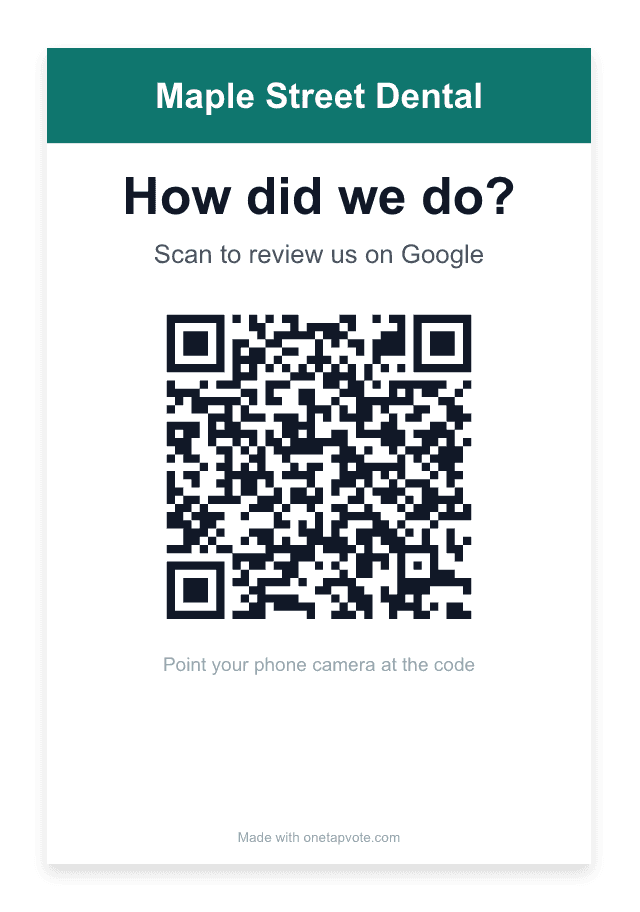
"How did we do?" with a QR code to your Google review page, next to the card machine. Patients scan it on their own phone, now or on the way out.
Front deskFree10 min
The link in your post-visit text or email
One message a few hours after the visit, to every patient, with your review link. It reaches the patients who walked past the card.
Text or emailFree30 min
A QR code on the appointment card
Print the code on the back of the next-appointment card. It goes home in the wallet and gets scanned on the sofa.
PrintLow cost1 hour
A personal note when treatment ends
When aligners come off or the crown is fitted, the dentist sends two lines and the link. Don't mention the treatment in the email itself.
EmailFree5 min each
A one-line mention at checkout
"If you have a minute later, the card here takes you to our Google page." An invitation, never a request to do it now.
Front deskFreeTraining
A sign in the waiting room
"We read every review" with the QR code. Patients scan it on their own phone; no tablet, no staff watching.
Waiting roomLow cost1 hour
A review page on your website
A short page or button such as yoursite.com/review that forwards to your Google review link. Easy to say on the phone and to print.
WebsiteFree30 min
The link in your email signature
One line under the signature of the practice's emails: appointment confirmations, invoices, replies.
EmailFree5 min
A card in Spanish too
If many of your patients speak Spanish, print a second card, "¿Cómo lo hicimos?", so Spanish-speaking patients know what the code is for.
Front deskFree10 min
A private line for unhappy patients
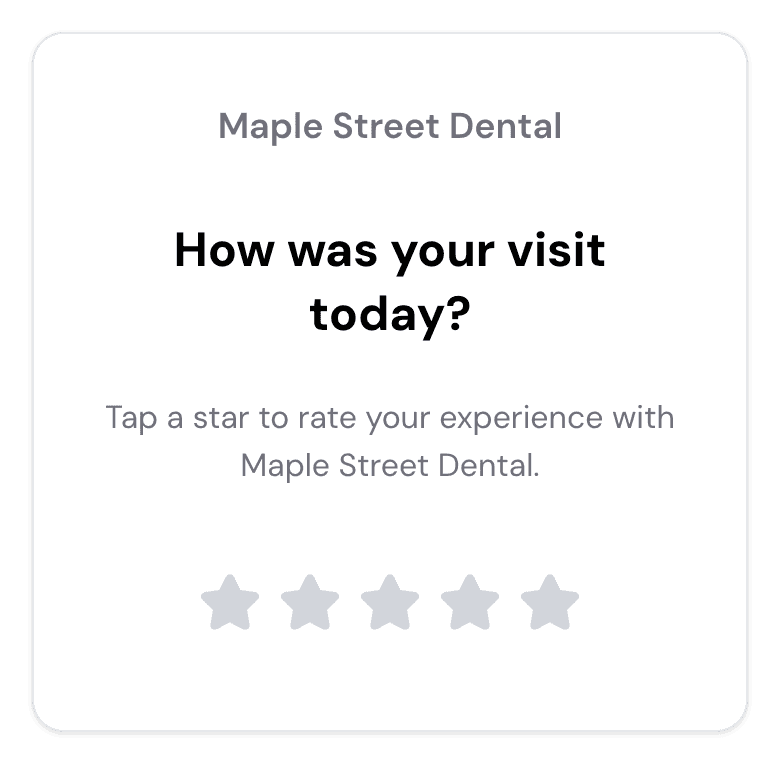
After a one-tap rating, a low score opens a short "What went wrong?" box for the office manager, with your review link still shown to everyone.
Rating flowPaid tool30 min
Reply to every review within a day
80% of patients want replies to negative reviews. Replies also show the next reader that someone is listening. Use the HIPAA-safe wording below.
Google profileFree10 min a week
Count once a month, with the team
New reviews, average rating, replies sent. Share a few comments at the team meeting. Don't set review targets for staff: Google bans them.
RoutineFree15 min a month
HIPAA: replies and patient lists
A patient may write anything about their visit; HIPAA binds the practice, not the reviewer. The trouble starts with the reply. Confirming that someone is your patient, or adding a detail about their care or insurance, is a disclosure of protected health information, even when the patient posted first. The HHS Office for Civil Rights has settled cases like this; three are below.
The second point is less known. A list of your patients' names, phone numbers and emails is itself protected health information. Any service that texts or emails review requests to that list for you is a business associate and needs a signed Business Associate Agreement (BAA) first. A QR card or sign that patients scan on their own phone needs no patient data at all.
| Practice | Settled | What the replies did | Paid |
|---|---|---|---|
| Elite Dental Associates, Dallas, TX | 2019 | Gave patients' last names and details of their condition in Yelp replies | $10,000 |
| New Vision Dental, CA | 2022 | Named patients who used Yelp nicknames, described visits and insurance | $23,000 |
| Manasa Health Center, NJ (psychiatry) | 2023 | Described a patient's diagnosis and treatment in a reply to a negative review | $30,000 |
Google and FTC rules for asking
Google's policy covers how you ask. Ask every patient the same way, not only those you expect to be happy. Don't offer anything for a review: no discount, no free whitening, no prize draw. Don't ask patients to name the hygienist or the dentist, don't set review targets for staff, and don't press anyone to write a review while they're in the practice.
The FTC's Consumer Reviews and Testimonials Rule, in force since October 2024, bans fake reviews, buying reviews, incentives that ask for a positive review, and suppressing negative ones. Civil penalties run up to $53,088 per violation, and in December 2025 the FTC sent warning letters under it to 10 companies.
Scripts to copy
Replace the names in brackets. Each one is short on purpose and says nothing about the patient's care.
Thanks for coming in today, [first name]. If you have a minute later, this card takes you to our Google page. We read every review.
Hi [first name], thanks for visiting [practice] today. How did we do? One tap: [link] Reply STOP to opt out.
Subject: Thank you, [first name] Hi [first name], It was good to see you at your last visit. If you'd like to share how your time with us has been, it takes a minute and helps other families find a dentist they can trust: [link] Thank you, Dr. [name] [practice]
Thank you for taking the time to write this. We're glad to hear it, and the whole team will see your words. [Practice] team
We're sorry to read this, and we take every concern seriously. Privacy rules don't allow us to discuss anyone's care online, so please call our office manager, [name], at [phone]. We'd like to look into this with you.
Your first 30 days
- 1
Week 1: the link and the card
Check your Google Business Profile (hours, photos, services), copy your review link, and print a QR card for the front desk. Decide who replies to reviews and who reads private feedback.
- 2
Week 2: ask every patient
Add the review link to the message patients get after a visit (sign a BAA with the tool that sends it). Teach the front desk the one-line checkout script. No targets, no pressure.
- 3
Week 3: reply to everything
Reply to every review from the last three months with the HIPAA-safe wording, then keep replying within a day. Invite unhappy patients to call the office manager.
- 4
Week 4: count and fix one thing
Count new reviews, the average rating and replies sent. Read the private feedback, pick the most common complaint and fix it. Then repeat the count every month.